Ecommerce integration
Orders, stock, prices and customers flowing between your store and ERP, OMS, CRM and fulfilment.
ORDER DOCKET
#58213 · web · 09:31
1 × OAK-TBL-180
1 × CHR-OAK-02 (set of 2)
doneWarehouse
doneCarrier
doneFinance
done
What we build
Integrations we build
We connect your store to ERPEnterprise resource planning: the system for finance, inventory, purchasing and often product data., OMSOrder management system: routes and tracks orders across warehouses, stores and suppliers., PIM, CRM and fulfilment, so orders, stock, prices and customers flow without re-keying.
Order to cash
Orders flow to ERP and fulfilment; shipping, invoices and refunds flow back.
Stock and pricing
Near real-time stock across store, web and marketplaces, and prices from ERP.
Product information
Products, attributes and images from a PIM or ERP to every channel.
Customers and marketing
Customer and order data to CRM and email platforms for segmentation.
Marketplace sync
Listings, stock and orders synced with Amazon, eBay and other marketplaces.
Payments and tax
Payment, fraud and tax services connected to checkout and finance.

How to get started
Three steps to a plan for ecommerce integration
- 1Tell us what you needUse the project form or book a call. A few sentences about the goal is enough to start.
- 2Free technical consultationWe go through your goals, users, existing systems and constraints with you.
- 3Your planA detailed plan covering the right tech stack, architecture, timeline and budget. Then you decide.
How it works
One order, through every system
Step through an order from checkout to invoice, with what each system sends and what the customer sees.
Order #58213 · Oak dining table
What the customer sees
- Order placed
- Confirmed
- Being packed
- Shipped
- Delivered
Behind the scenes
- StorefrontOrder placed
- ERP
- Warehouse
- Carrier
- Finance
Order placed
Checkout completes; the platform sends an order webhook.
POST /webhooks/orders/create
{
  "order": "#58213",
  "total": 1323.94,
  "lines": [{ "sku": "OAK-TBL-180", "qty": 1 }]
}
How many connections?
Add systems and switch patterns to see how many integrations you'd run. Select a system to trace its connections.
Connections, up to
10
Adding one more
+5
Each pair of systems gets its own integration. Simple for two or three systems; every new system adds a connection to each one it talks to.
Common choices: Custom code, platform apps
Our approach
How the work runs
Map flows
Every data flow, its direction, frequency and source of truth.
Choose the pattern
Native connectors, an iPaaSIntegration platform as a service: cloud tools for building and running integrations, such as Celigo or Boomi., or custom middleware, per flow.
Build
Mappings, transformations and error handling, with retries.
Test end to end
Real scenarios: split shipments, returns, refunds and stock-outs.
Monitor
Dashboards and alerts for failed or delayed messages.
What we'll need from you
Having these ready keeps the work moving.
System access
API credentials and sandboxes for each system.
Process owners
People who know fulfilment, finance and customer service processes.
Test scenarios
Real edge cases: splits, bundles, returns and refunds.
An integration owner
Someone to receive alerts and manage vendors.
Who's on the project
Our team, working with operations and finance leads from yours.
Integration architect: Maps flows and chooses patterns.
Services
Ecommerce integration services
Integration assessment
Every data flow mapped, with its direction, frequency and source of truth.
Connector and middleware development
Native connectors, an iPaaS such as Celigo or Boomi, or custom middleware, chosen per flow.
End-to-end testing
Split shipments, returns, refunds and stock-outs tested before go-live.
Monitoring and support
Dashboards and alerts for failed or delayed messages, and fixes after launch.
Deliverables
What you receive
| # | ITEM | STATUS |
|---|---|---|
| 01 | Integration map with sources of truth | |
| 02 | Integrations built and deployed | |
| 03 | Field mappings and transformation rules | |
| 04 | End-to-end test scenarios and results | |
| 05 | Monitoring and alerting | |
| 06 | Runbooks and documentation handover |
In your hands
What the documentation looks like
Every project ends with documents your team can run with. Here is an excerpt of one of them.
Flows
Last 24 hours
| Flow | Direction | Runs | Errors | |
|---|---|---|---|---|
| Orders | Store → ERP | 1,284 | 0 | Healthy |
| Stock | WMS → all channels | 9,512 | 0 | Healthy |
| Fulfilments | WMS → store | 1,190 | 3 | Retrying |
| Prices | ERP → store | 24 | 0 | Healthy |
Measuring success
How success is measured
What we report on in ecommerce integration projects. Which measures apply, and their targets, are agreed with you at the start.
Time for an order to reach ERP and fulfilment after checkout.
Stock sync, timed to your sales
We set the sync timing and stock buffer so the last unit never sells twice. Adjust the interval, sales rate and buffer.
When the last unit sells in store
Expected oversells each time it sells out
Scheduled sync
1.5
Stock can be 30 minutes out of date.
Event-driven updates
0.0
Stock updates within seconds of each sale, through webhooks or events.
Each oversell means a cancellation, an apology and often a lost customer. Fast sellers and shared stock across store, web and marketplaces are where it matters most.
Readiness check
Are you ready for
ecommerce integration?
Five questions, about a minute. You'll see what to settle first and a sensible starting point.
Do you know which system owns stock, prices and product data?
Do your ERP and other systems have APIs or connectors?
Are there test environments for the ERP and other systems?
Do you know your order volumes and peaks?
Is someone responsible for integrations after launch?
Readiness summary
Step 1 of 5
- Do you know which system owns stock, prices and product data?—
- Do your ERP and other systems have APIs or connectors?—
- Are there test environments for the ERP and other systems?—
- Do you know your order volumes and peaks?—
- Is someone responsible for integrations after launch?—
Complete each step to see your first step. Nothing is sent until you choose to.
How to start
From first call to production
Start where you are. Each step ends with a decision, so you commit to the next one only when it makes sense.
Your project, tracked
Drag the van or chooseChoose a stop
Stop 1 of 5
Free technical consultation
Talk through the goal, the users, the systems involved and any deadlines.
Book the consultation- 1×A clear view of scope and priorities
- 1×A recommended next step
- 1×A plan covering stack, architecture, timeline and budget
Each step ends with a decision before the next one ships.
Estimate the value
What it could be worth to you
Enter your own figures. The formula is shown, and the estimate can go with your enquiry.
Manual order handling removed
ESTIMATE
Ecommerce integration
Orders × minutes each ÷ 60 × hourly cost
Build or buy
When you don't need
a custom build
Part of the free technical consultation: when an existing product covers the need, we recommend it instead of a custom build. These are the options we weigh, alongside the tools you already have.
Install, configure, go
A connector may be enough
Pre-built connectors from your platform's app store
When standard flows between popular systems, such as Shopify and NetSuite, without heavy customization.
Integration platforms with templates, such as Celigo
When several standard flows that a template covers, with a team to run them.
In your industry
Where it applies
What this work delivers in the industries we serve.
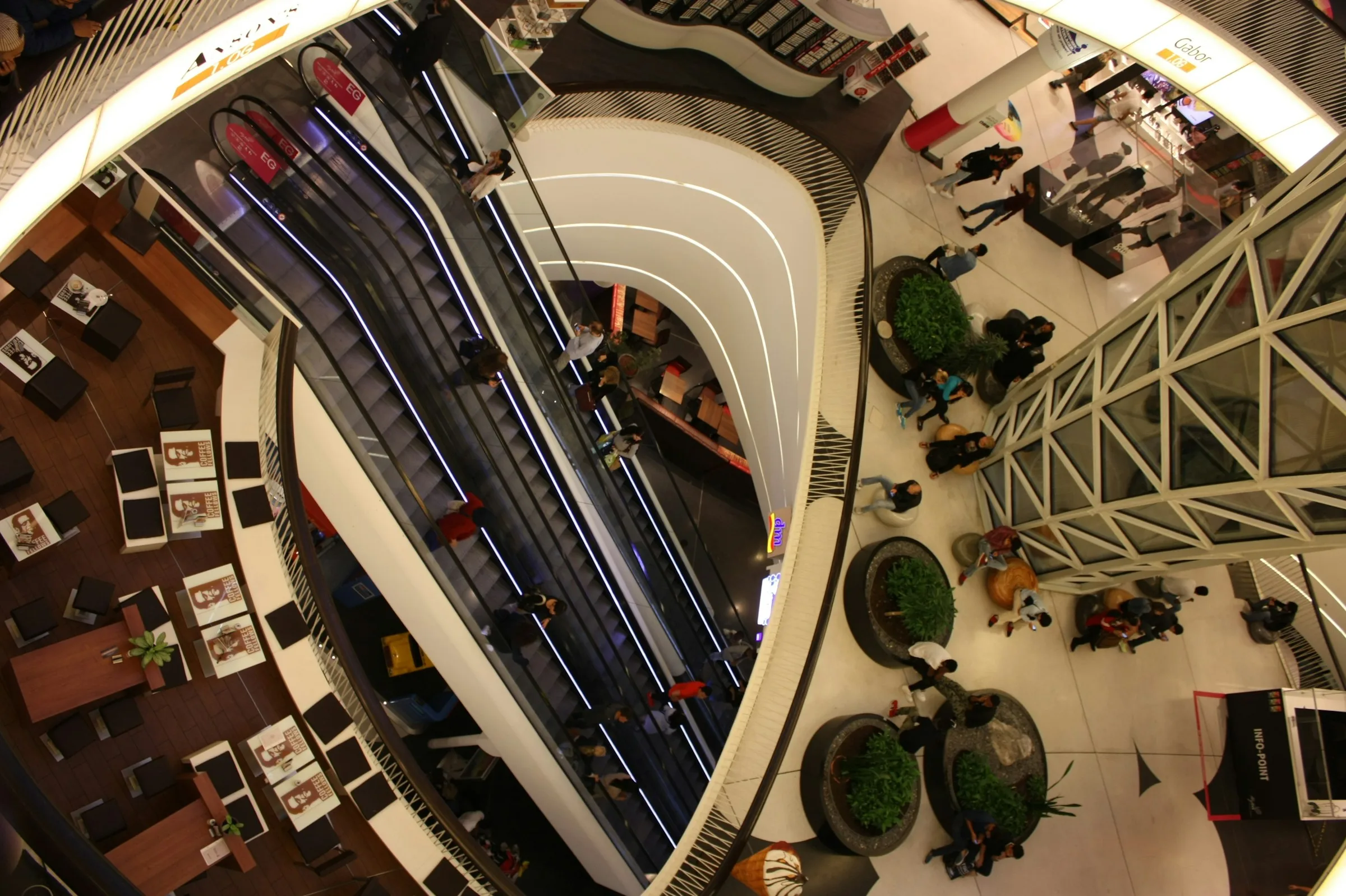 RetailOrder management and inventory syncReal-time stock across stores, warehouses and marketplaces, with order routing for ship-from-store, BOPIS and returns.
- RetailPOS, ERP and payments integrationAPIs and middleware connecting point of sale, ERP, payments and fulfilment so orders, stock and prices stay consistent.
Technologies and standards
Chosen for your project
The integration platforms most used in ecommerce. Choose one to see what it's known for and when it fits; we recommend the right one, or none, in the free technical consultation.
- Known for
- Ready-made flows, notably for NetSuite with Shopify, Amazon and Salesforce.
- Fits
- Mid-market retailers on NetSuite wanting standard flows fast.
- Consider
- Heavily customized flows can outgrow the templates.
ERP and OMS
- NetSuite
- Microsoft Dynamics 365
- SAP S/4HANA
- Manhattan Active Omni
Integration platforms
- Celigo
- Boomi
- MuleSoft
- Patchworks
Payments and tax
- Stripe
- Adyen
- PayPal
- Avalara
Customers and marketing
- Salesforce
- HubSpot
- Klaviyo
Questions
Common questions
about ecommerce integration
Do we need an integration platform?
We use an iPaaS such as Celigo or Boomi when you have several systems and flows, for its connectors, monitoring and error handling, and platform apps or lighter custom code for one or two simple flows.
How real-time is the stock?
We use event-driven updates within seconds for fast sellers and stock shared across channels, so nothing oversells, and scheduled syncs for slow movers.
What happens if the ERP is down?
Orders queue and are retried automatically when it's back, with alerts if they wait too long, so nothing is lost.
How is an ecommerce project priced?
Audits, proofs of concept and well-defined builds are delivered as fixed-price engagements; ongoing optimization and larger programmes use a dedicated team. The free consultation ends with a plan covering platform, architecture, timeline and budget.
More in Ecommerce Solutions
How it connects
- Pairs withEnterprise ecommerceReplatforming always means reconnecting the business systems.
- FeedsMarketplace developmentMarketplaces need orders and stock synced with sellers and channels.
- FeedsHeadless ecommerceHeadless storefronts rely on accurate product, stock and price data.
Planning ecommerce integration work?
Start with a free technical consultation: a detailed plan covering the right tech stack, architecture, timeline and budget for your project.
Start a project