UX training
Hands-on training that builds user-centred research and design skills in your own team.
Module 3 · Usability testing
Plan a round of testing
Five participants per user group, realistic tasks and a note-taker in every session.
What we build
Training for your team
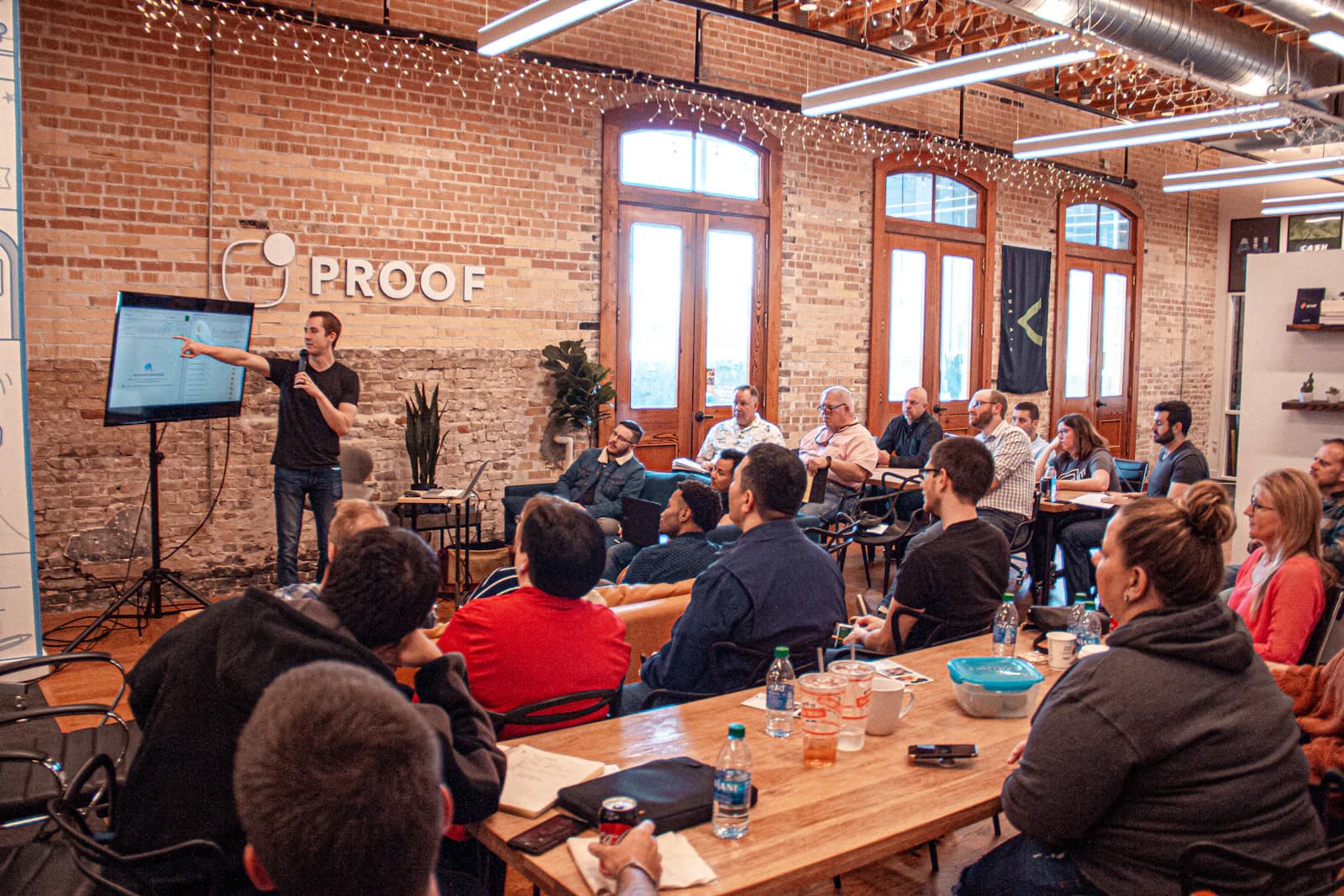
We train your team to research, design and test with users, using your own product as the material, with coaching on live work afterwards.
Product teams
Give product managers and engineers the basics of research and usability testing.
Designers
Deepen skills in research, accessibility or design systems.
Leadership
Show leaders how UX practice affects outcomes and how to support it.
Research democratization
Train non-researchers to run safe, useful research with guardrails.
How to get started
Three steps to a plan for UX training
- 1Tell us what you needUse the project form or book a call. A few sentences about the goal is enough to start.
- 2Free technical consultationWe go through your goals, users, existing systems and constraints with you.
- 3Your planA detailed plan covering the right tech stack, architecture, timeline and budget. Then you decide.
How it works
The curriculum as a map
Three lines of modules, research, design and accessibility, that meet where skills overlap. Choose a station.
Research line
Usability testing
Writing tasks, moderating without helping, and rating severity. Run on your own product.
Plan a training day
Most of our training day is practice. Add and remove sessions to build a day that fits your team.
Add a session
Day agenda
09:00–14:15
- 09:00Workshop
- 10:30Break
- 10:45Hands-on exercise
- 11:45Lunch
- 12:45Workshop
25% of teaching time is hands-on. Adults learn best by doing: aim for at least half the day on exercises and coaching with your own product.
Our approach
How the work runs
Assess
Current skills, goals and the projects people are working on.
Design the curriculum
Modules chosen for the team, built around your product.
Train
Hands-on workshops with exercises on real work.
Coach
Follow-up coaching as the team applies skills on live projects.
Evaluate
Measure learning and changes in how the team works.
What we'll need from you
Having these ready keeps the work moving.
Participants
Who attends, and their roles and experience.
A live project
Real work to use in exercises.
Managers' support
Time for participants to apply new skills.
A success measure
What should be different after the training.
Who's on the project
Our team, working with participants' managers from yours.
Faculty
Your cohort
Lead trainer: Designs the curriculum and runs workshops.
Services
UX training services
Workshops
Hands-on sessions, remote or in person, built around your product.
Custom curricula
Modules chosen for your team's skills and goals.
Coaching
Follow-up coaching as your team applies the skills on live projects.
Playbooks and templates
Research, testing and accessibility templates your team keeps.
Deliverables
What you receive
Programme syllabus
Tick each part as it's delivered
In your hands
What the documentation looks like
Every project ends with documents your team can run with. Here is an excerpt of one of them.
Usability testing for product teams
Two half-day workshops · four coaching sessions
| Session | Focus | Output |
|---|---|---|
| Workshop 1 | Writing tasks and moderating | Test plan for your feature |
| Workshop 2 | Analysing sessions | Severity-rated findings |
| Coaching 1–4 | Running live tests | Two completed test rounds |
Measuring success
How success is measured
What we report on in UX training projects. Which measures apply, and their targets, are agreed with you at the start.
Kirkpatrick level 3
Behaviour
Changes in practice, such as teams running their own usability tests.
Measured by: Observed practice 30 to 90 days later, such as teams running their own tests
Skills, before and after
We assess skills before training and three months after. Switch between the two to see the change.
0 none · 1 aware · 2 practises · 3 can teach
| Interviewing | Usability testing | Accessibility | Design systems | |
|---|---|---|---|---|
| Designer A | 1 | 1 | 0 | 2 |
| Designer B | 0 | 1 | 1 | 1 |
| Product manager | 1 | 0 | 0 | 0 |
| Engineer | 0 | 0 | 1 | 2 |
People practising or teaching each skill: 2 of 16.
Readiness check
Are you ready for
UX training?
Five questions, about a minute. You'll see what to settle first and a sensible starting point.
Do you know who'll attend and what they do today?
Result
Answer each question. Your result, and anything to settle first, appears here. Nothing is sent until you choose to.
How to start
From first call to production
Start where you are. Each step ends with a decision, so you commit to the next one only when it makes sense.
Prototype · How an engagement runs
Free technical consultation
One or two sessions
Talk through the goal, the users, the systems involved and any deadlines.
Layers you receive
- # A clear view of scope and priorities
- # A recommended next step
- # A plan covering stack, architecture, timeline and budget
Estimate the value
What it could be worth to you
Enter your own figures. The formula is shown, and the estimate can go with your enquiry.
Value of research done in-house
Research capacity gained
$24,000
a quarter
Studies × outsourcing cost × share taken in-house
Drag a field's label left or right to change it.
Inputs
Build or buy
When you don't need
a custom build
Part of the free technical consultation: when an existing product covers the need, we recommend it instead of a custom build. These are the options we weigh, alongside the tools you already have.
Technologies and standards
Chosen for your project
What the training covers, so skills carry beyond this project. Take a book from the shelf.
Standard taught
WCAG 2.2
Designing and testing to accessibility level AA: perceivable, operable, understandable, robust.
Topics
- Usability testing
- Interviewing
- Accessibility
- Design systems
- Information architecture
Formats
- Workshops
- Coaching
- Playbooks
Tools taught
- Figma
- Maze
- Dovetail
- axe DevTools
Evaluation
- Skills assessments
- Kirkpatrick levels
The end of the story
Back to the beginning
Every product is a loop: what teams learn feeds the next discovery.
Previous: UX auditChapter 01
Discovery
Discover phase
Questions
Common questions
about UX training
Remote or in person?
Both. Remote sessions are shorter and spread out; in-person workshops suit intensive, hands-on days.
Can it use our own product?
Yes, and we recommend it. Exercises on your own product make learning immediately useful.
How do we know it worked?
We evaluate at four levels: reaction, learning, change in practice and results, with a skills assessment before training and three months after.
How is a project priced?
Well-defined scopes, such as an audit or a set number of screens, are delivered as fixed-price engagements; ongoing product design is provided by a dedicated team. The free consultation ends with a plan covering scope, timeline and budget.
More in UI/UX Design
How it connects
- Pairs withUX researchResearch skills are among the most requested topics.
- Pairs withDiscoveryTeams can learn discovery by running one with us.
- Pairs withUI/UX designDesign system and accessibility training support consistent design.
Planning UX training work?
Start with a free technical consultation: a detailed plan covering the right tech stack, architecture, timeline and budget for your project.
Start a project